
A flowchart is a formalized graphic representation of a logic sequence, work or manufacturing process, organization chart, or similar formalized
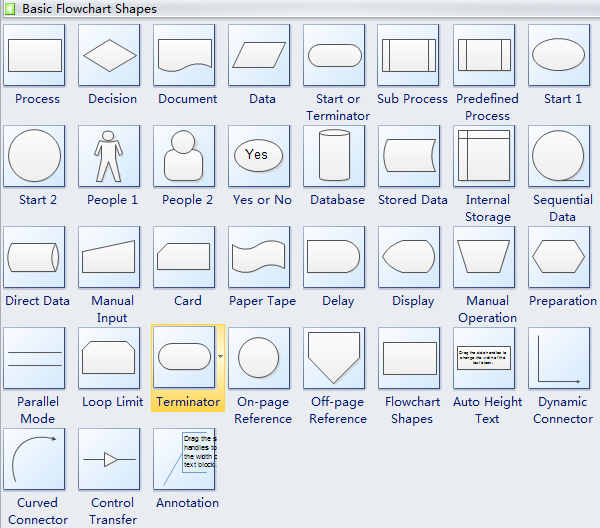 | |
| Basic Rules Of Flowchart |
Advantage of FlowChart

• Communication: Flowcharts are better way of communicating the logic of a system to all concerned or involved.
• Effective analysis: With the help of flowchart, problem can be analysed in more effective way therefore reducing cost and wastage of time.
• Proper documentation: Program flowcharts serve as a good program documentation, which is needed for various purposes, making things more efficient.
• Efficient Coding: The flowcharts act as a guide or blueprint during the systems analysis and program development phase.
How do you write a flowchart?

- Use Consistent Design Elements
- Keep Everything on One Page
- Flow Data from Left to Right
- Use a Split Path Instead of a Traditional Decision Symbol
- Place Return Lines Under the Flow Diagram
Disadvantage of Flowchart
 • Complex logic: Sometimes, the program logic is quite complicated. In that case, flowchart becomes complex and clumsy. This will become a pain for the user, resulting in a waste of time and money trying to correct the problem
• Alterations and Modifications: If alterations are required the flowchart may require re-drawing completely. This will usually waste valuable time.
• Reproduction: As the flowchart symbols cannot be typed, reproduction of flowchart becomes a problem.

No comments:
Post a Comment